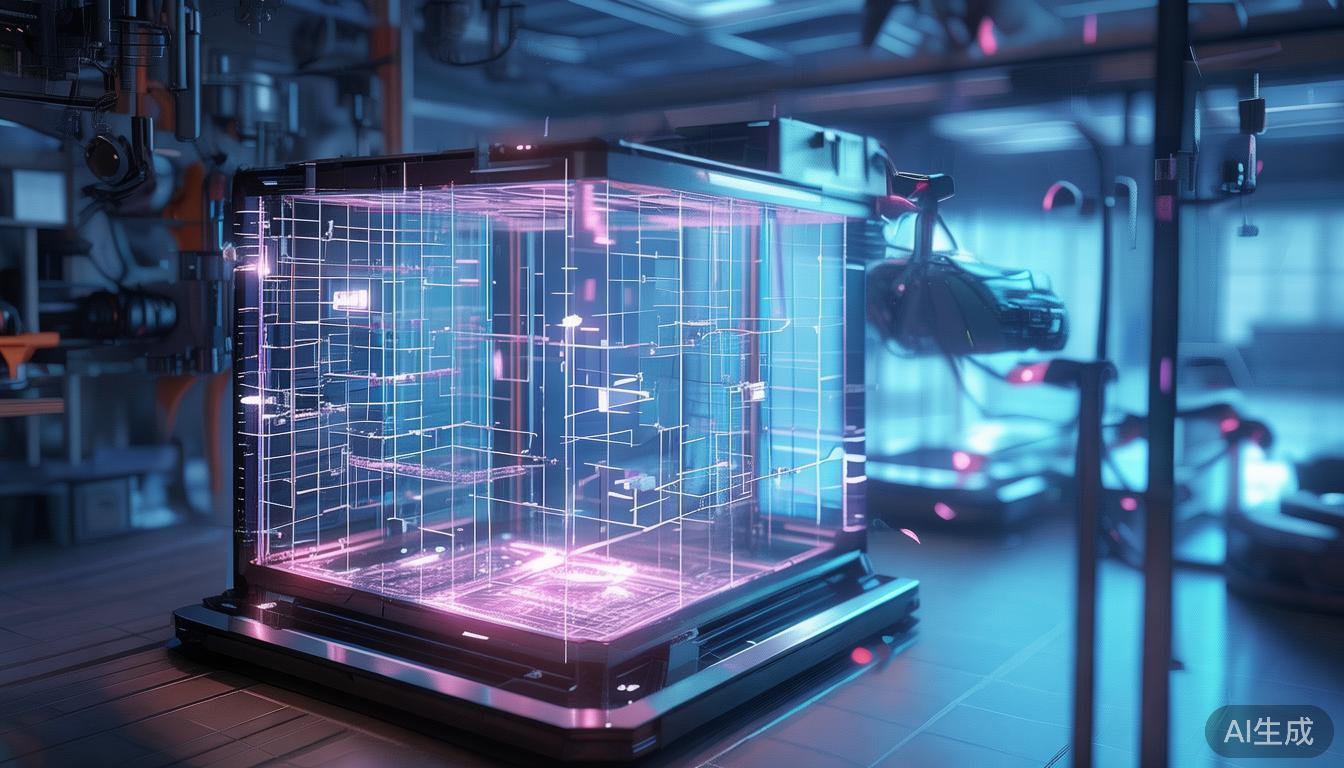
构建打印机:艺术与科学的深度探索
从零开始构建一台打印机绝非易事。它需要机械工程、电气工程和软件开发等多方面知识的融合。然而,将如此复杂的设备呈现在眼前所带来的成就感是无与伦比的。对于那些技术爱好者且热爱挑战DIY项目的人来说,构建打印机的旅程既具有教育意义,也能带来极大的满足感。这次探索不仅仅是对一系列指令的遵循;它更关乎理解打印机运作背后的基本原理。
基础:理解基本原理
从根本上说,打印机是一种将数字信息转化为物理形式的设备。无论是文本还是图像,该过程涉及几个关键部件:打印头、使打印头在纸张上移动的机构、控制墨水或碳粉流动的方式,以及电源。这些部件必须协同工作,由精确的软件算法驱动。
打印头可以说是最关键的部件。在喷墨打印机中,它将微小的墨滴喷洒到纸张上。在激光打印机中,它使用激光在鼓上创建静电图像,然后涂上碳粉并将其转移到纸张上。每种类型都有其优势和挑战,但原理是相同的:对应用材料的放置位置和数量进行精确控制。
机械工程:机器的心脏
构建打印机的机械方面涉及创建一个能够以极高精度移动打印头的系统。这就是有趣的地方。打印机的机械结构通常涉及复杂的齿轮、皮带和电机系统。例如,一种常见的设置使用步进电机沿X轴和Y轴移动打印头。这些电机之所以精确,是因为它们可以以离散的步长移动,从而允许精确地放置墨滴或碳粉颗粒。
以下是一个使用微控制器控制电机移动的简单示例:
// 控制步进电机的示例代码片段
void stepMotor(int stepPin, int dirPin, bool clockwise) {
  digitalWrite(dirPin, clockwise ? HIGH : LOW);
  digitalWrite(stepPin, HIGH);
  delayMicroseconds(1000);
  digitalWrite(stepPin, LOW);
  delayMicroseconds(1000);
}
此代码控制电机的方向和速度。通过发送正确的信号序列,微控制器可以将打印头移动到所需位置。挑战在于校准系统,以确保运动精确且可重复。
电气工程:神经系统
打印机的电气部件负责将计算机的数字信号转化为物理动作。这涉及各种传感器、执行器和控制器。微控制器或打印机内部计算机在此过程中扮演着至关重要的角色,充当操作的核心。
传感器用于监控打印过程中的各个方面,例如打印头的位置、墨水或碳粉的余量,以及纸张的存在。执行器(如前面提到的步进电机)执行打印所需的物理移动。控制器利用这些反馈信息来确保每次打印任务都能准确执行。
软件开发:打印机的灵魂
软件是将所有硬件部件联系起来的纽带。它包括在计算机上运行的驱动程序软件,该软件将文档转换为打印机可以理解的格式,以及运行在打印机本身的固件。此固件控制打印头的移动、墨水流动和其他关键功能。
打印机软件最有趣的方面之一是光栅图像处理器(RIP)。RIP将文档中的矢量或光栅数据转换为一系列指令,这些指令告诉打印头精确地放置每一滴墨水或碳粉。此过程涉及复杂的算法,以确保最终打印的图像清晰、准确且一致。
DIY方法:挑战与回报
从零开始构建打印机是一项具有巨大回报的挑战性工作。该过程需要深入理解打印机的工作原理,以及组装和校准各种部件的技能。这不仅仅是遵循一系列指令;它涉及故障排除、实验和学习。
最大的挑战之一是确保所有部件协同工作。机械公差必须精确,电气连接必须稳定,软件必须无懈可击。即使是很小的偏差也可能导致打印质量差或打印机完全失效。
尽管存在挑战,但回报是显著的。从零开始构建打印机使你能够理解复杂设备的内部工作原理,并欣赏设计和制造此类技术所体现的智慧。这是一个能够激发你对工程和技术产生终身兴趣的项目。
这意味着什么
构建打印机不仅仅是一个DIY项目;它是一次深入现代技术核心的旅程。它需要机械、电气和软件开发技能的结合,但回报是巨大的。通过理解和掌握打印机背后的原理,你将对我们每天周围的技术产生更深的理解。无论你是爱好者、工程师,还是仅仅对事物如何运作感到好奇的人,构建打印机的过程都是既具有教育意义又令人满足的。
The Art and Science of Building a Printer: A Deep Dive
Building a printer from scratch is no small feat. It’s a project that demands a blend of mechanical engineering, electrical engineering, and software development. Yet, the satisfaction of bringing such a complex device to life is unparalleled. For those who are technically inclined and love a good DIY challenge, the journey of building a printer can be both educational and deeply rewarding. This exploration is not just about following a set of instructions; it’s about understanding the underlying principles that make a printer work.
The Foundation: Understanding the Basics
At its core, a printer is a device that translates digital information into physical form. Whether it’s text or images, the process involves several key components: a print head, a mechanism to move the print head across the paper, a way to control the flow of ink or toner, and a power source. These components must work in harmony, driven by precise software algorithms.
The print head is arguably the most critical component. In inkjet printers, it sprays tiny droplets of ink onto the paper. In laser printers, it uses a laser to create an electrostatic image on a drum, which is then coated with toner and transferred to the paper. Each type has its advantages and challenges, but the principle remains the same: precise control over the placement and amount of material being applied.
Mechanical Engineering: The Heart of the Machine
The mechanical aspect of building a printer involves creating a system that can move the print head with incredible precision. This is where things get interesting. The mechanics of a printer often involve complex systems of gears, belts, and motors. For example, a common setup uses stepper motors to move the print head along the X and Y axes. These motors are precise because they can move in discrete steps, allowing for accurate placement of ink droplets or toner particles.
Here’s a simple example of how the movement might be controlled using a microcontroller:
// Example code snippet for controlling a stepper motor
void stepMotor(int stepPin, int dirPin, bool clockwise) {
  digitalWrite(dirPin, clockwise ? HIGH : LOW);
  digitalWrite(stepPin, HIGH);
  delayMicroseconds(1000);
  digitalWrite(stepPin, LOW);
  delayMicroseconds(1000);
}
This code controls the direction and speed of the motor. By sending the correct sequence of signals, the microcontroller can move the print head to the desired position. The challenge lies in calibrating the system so that the movements are exact and repeatable.
Electrical Engineering: The Nervous System
The electrical components of a printer are responsible for translating the digital signals from the computer into physical actions. This involves a range of sensors, actuators, and controllers. The microcontroller or printer’s internal computer plays a crucial role here, acting as the brain of the operation.
Sensors are used to monitor various aspects of the printing process, such as the position of the print head, the level of ink or toner, and the presence of paper. Actuators, like the stepper motors mentioned earlier, carry out the physical movements required for printing. The controller uses this feedback to ensure that each print job is executed accurately.
Software Development: The Soul of the Printer
Software is what ties all the hardware components together. It includes the driver software that runs on the computer, which translates the document into a format the printer can understand, as well as the firmware that runs on the printer itself. This firmware controls the print head movements, ink flow, and other critical functions.
One of the most interesting aspects of printer software is the Raster Image Processor (RIP). The RIP takes the vector or raster data from the document and converts it into a series of commands that tell the print head exactly where to place each droplet of ink or toner. This process involves complex algorithms to ensure that the final printed image is sharp, accurate, and consistent.
The DIY Approach: Challenges and Rewards
Building a printer from scratch is a challenging endeavor, but it’s one that offers immense rewards. The process requires a deep understanding of how printers work, as well as the skills to assemble and calibrate the various components. It’s not just about following a set of instructions; it’s about troubleshooting, experimenting, and learning.
One of the biggest challenges is ensuring that all the components work together seamlessly. Mechanical tolerances must be precise, electrical connections must be stable, and software must be flawless. Even a small misalignment can result in poor print quality or complete failure of the printer.
Despite the challenges, the rewards are significant. Building a printer from scratch allows you to understand the inner workings of a complex device and to appreciate the ingenuity that goes into designing and manufacturing such technology. It’s a project that can spark a lifelong interest in engineering and technology.
What This Means
Building a printer is more than just a DIY project; it’s a journey into the heart of modern technology. It requires a combination of mechanical, electrical, and software engineering skills, but the rewards are immense. By understanding and mastering the principles behind a printer, you gain a deeper appreciation for the technology that surrounds us every day. Whether you’re a hobbyist, an engineer, or just someone curious about how things work, the process of building a printer is both educational and deeply satisfying.