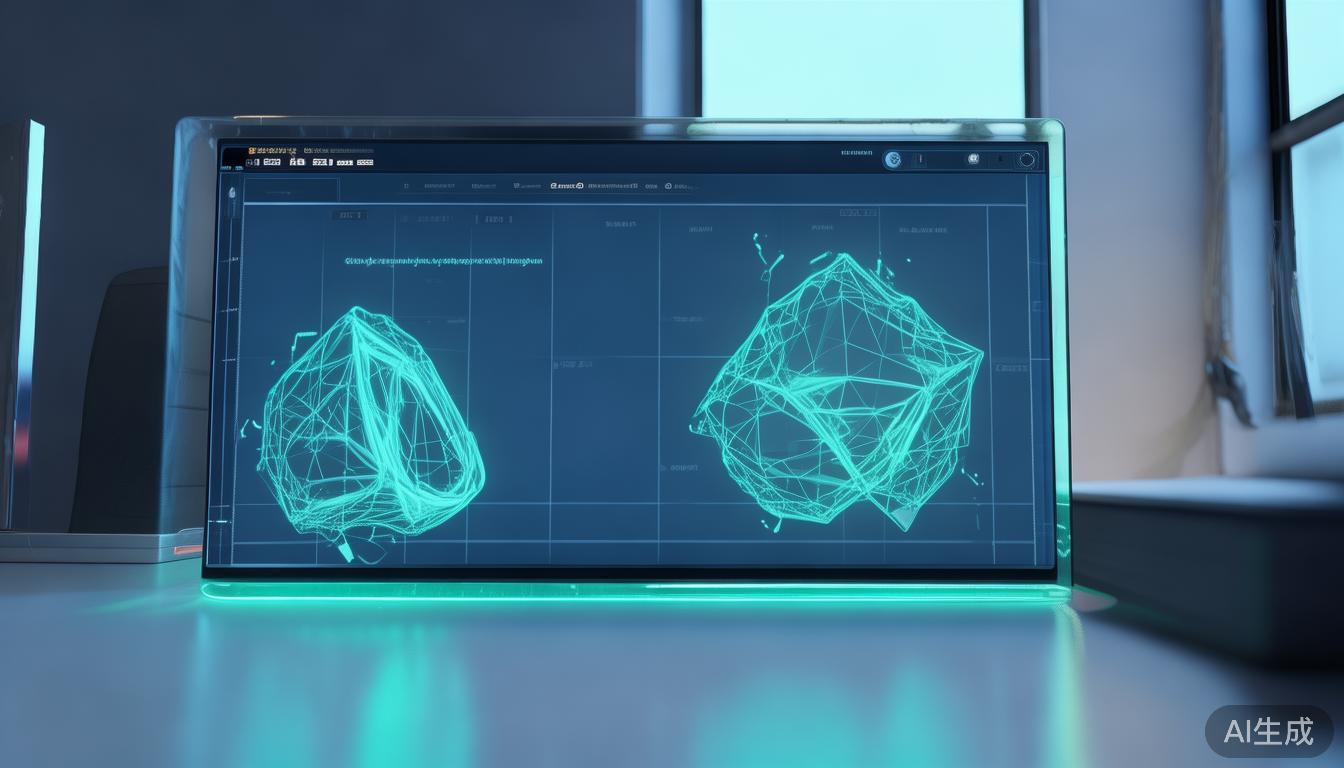
Meshdiff——在浏览器中可视化比较两个STL版本,客户端处理
3D建模已成为现代设计和工程工作流程的重要组成部分。从原型设计到批量生产,比较和分析不同版本的3D模型至关重要。传统上,这一过程需要专业的软件和复杂的工具,往往导致协作和迭代过程中的瓶颈。然而,近年来网络技术的进步使得我们能够直接在浏览器中执行复杂的3D模型比较。Meshdiff应运而生,这是一款允许用户在无需离开网页浏览器的情况下,并排可视化比较两个STL文件的工具。
STL比较的挑战
STL(Stereolithography)文件是3D模型的行业标准,广泛应用于3D打印、计算机辅助设计(CAD)和工程模拟。比较两个STL文件以识别差异——无论是由于设计迭代、制造公差还是调试错误——可能是一项耗时的工作。传统方法包括:
- 人工检查:在单独的软件中可视化检查模型,这可能既繁琐又主观。
- 脚本工具:使用自定义脚本检测几何差异,需要编程专业知识。
- 云服务:将文件上传到外部平台,引发隐私问题并依赖第三方工具。
这些方法各有局限。人工检查容易受到人为错误和主观解释的影响。脚本工具需要专业知识,而云服务则引发了数据安全和可扩展性的问题。
Meshdiff:客户端STL比较
Meshdiff通过将STL比较直接带到浏览器,利用客户端处理提供无缝的交互式体验,从而改变了游戏规则。其工作原理如下:
关键特性
- 直接浏览器上传:用户可以直接将两个STL文件上传到浏览器,无需服务器端处理。这确保了隐私并减少了延迟。
- 可视化并排比较:该工具将两个模型并排渲染,允许用户实时检查差异。
- 颜色编码差异:Meshdiff使用颜色编码突出显示两个模型之间的差异,便于发现偏差。
- 缩放和平移:用户可以缩放和平移模型,以在细粒度级别检查细节。
- 交互式控制:界面包括用于旋转、对齐和操作模型的直观控制,以实现最佳比较效果。
工作原理
Meshdiff依赖于现代网络技术,主要是WebGL和JavaScript,在浏览器中执行比较。以下是该过程的简化分解:
- 模型加载:该工具使用JavaScript库(如
three.js)读取STL文件,这些库为浏览器中的3D模型渲染提供了强大的支持。
- 几何比较:使用Hausdorff距离等算法,Meshdiff识别并量化两个模型之间的差异。Hausdorff距离测量两个集合表面之间的最大距离,非常适合检测3D模型的偏差。
- 可视化:差异使用颜色编码进行可视化。例如,红色可能表示第二个模型较大的区域,而蓝色可能表示其较小的区域。
以下是一个基本示例,说明颜色编码在实际中如何工作:
// 示例:突出显示3D模型中的差异
const model1 = loadSTL('path/to/model1.stl');
const model2 = loadSTL('path/to/model2.stl');

const differences = compareModels(model1, model2);
highlightDifferences(model2, differences);
在此代码片段中,compareModels使用几何算法计算差异,而highlightDifferences将颜色编码应用于第二个模型。
客户端处理的优点
Meshdiff的客户端方法比传统方法具有以下优势:
- 隐私:由于比较在浏览器本地进行,敏感的设计数据永远不会离开用户的计算机。
- 性能:现代浏览器针对WebGL进行了高度优化,能够实现平滑渲染和实时比较。
- 可访问性:用户无需安装额外的软件或插件即可执行比较。
- 协作:该工具可以嵌入到设计平台或通过链接共享,促进团队成员之间的协作。
应用场景
Meshdiff特别适用于需要频繁进行3D模型比较的场景:
- 3D打印:打印机可以使用Meshdiff验证最终模型是否与预期设计一致,在打印前捕获错误。
- CAD和工程:工程师可以比较设计的迭代版本,以识别和改进几何差异。
- 制造业:质量控制团队可以使用该工具确保制造部件符合设计规范。
- 教育环境:学生和教育工作者可以使用Meshdiff学习3D建模和几何分析。
局限性和注意事项
虽然Meshdiff是一个强大的工具,但了解其局限性也很重要:
- 浏览器性能:复杂的模型可能需要更强大的硬件或浏览器功能。旧版浏览器或设备可能难以渲染。
- 准确性:客户端算法可能不如服务器端解决方案精确,特别是对于高度复杂的模型。
- 文件大小:非常大的STL文件可能需要更长的加载和处理时间。
尽管存在这些局限性,Meshdiff代表了3D模型分析民主化的重要一步,使其能够被更广泛的受众使用。
总结
Meshdiff是任何处理STL文件的人的变革性工具,它提供了一种快速、私密且直观的方式,直接在浏览器中比较3D模型。通过利用客户端处理,它克服了传统方法的局限性,使设计师、工程师和制造商能够更有效地迭代。随着网络技术的不断发展,像Meshdiff这样的工具可能会变得更加强大,进一步将3D分析集成到主流工作流程中。对于任何从事3D建模的人来说,Meshdiff是一个值得尝试的工具,可以节省时间并提高准确性。
Meshdiff – Visually Compare Two STL Versions in the Browser, Client-Side
3D modeling has become an integral part of modern design and engineering workflows. From prototyping to production, the ability to compare and analyze different versions of 3D models is crucial. Traditionally, this process has required specialized software and complex tooling, often leading to bottlenecks in collaboration and iteration. However, recent advancements in web technologies have made it possible to perform sophisticated 3D model comparisons directly in the browser. Enter Meshdiff, a tool that allows users to visually compare two STL files side by side without leaving their web browser.
The Challenge of STL Comparison
STL (Stereolithography) files are the industry standard for 3D models, widely used in 3D printing, CAD (Computer-Aided Design), and engineering simulations. Comparing two STL files to identify differences—whether due to design iterations, manufacturing tolerances, or debugging errors—can be a time-consuming task. Traditional methods involve:
- Manual Inspection: Visually examining the models in separate software, which can be tedious and subjective.
- Scripted Tools: Using custom scripts to detect geometric discrepancies, requiring programming expertise.
- Cloud-Based Services: Uploading files to external platforms, introducing privacy concerns and dependency on third-party tools.
Each of these methods has limitations. Manual inspection is prone to human error and subjective interpretation. Scripted tools require specialized knowledge, and cloud-based services raise concerns about data security and scalability.
Meshdiff: Client-Side STL Comparison
Meshdiff changes the game by bringing STL comparison directly to the browser, leveraging client-side processing to deliver a seamless, interactive experience. Here’s how it works:
Key Features
- Direct Browser Upload: Users can upload two STL files directly to the browser without the need for server-side processing. This ensures privacy and reduces latency.
- Visual Side-by-Side Comparison: The tool renders both models side by side, allowing users to visually inspect differences in real-time.
- Color-Coded Differences: Meshdiff highlights discrepancies between the two models using color coding, making it easy to spot deviations.
- Zoom and Pan: Users can zoom in and pan across the models to examine details at a granular level.
- Interactive Controls: The interface includes intuitive controls for rotating, aligning, and manipulating the models for optimal comparison.
How It Works Under the Hood
Meshdiff relies on modern web technologies, primarily WebGL and JavaScript, to perform the comparison in the browser. Here’s a simplified breakdown of the process:
- Model Loading: The tool reads the STL files using JavaScript libraries like
three.js, which provide robust support for 3D model rendering in the browser.
- Geometric Comparison: Using algorithms like the Hausdorff distance, Meshdiff identifies and quantifies differences between the two models. The Hausdorff distance measures the maximum distance between the surfaces of two sets, making it ideal for detecting deviations in 3D models.
- Visualization: The differences are visualized using color coding. For example, red might indicate areas where the second model is larger, while blue might represent areas where it’s smaller.
Here’s a basic example of how the color-coding might work in practice:
// Example: Highlighting differences in a 3D model
const model1 = loadSTL('path/to/model1.stl');
const model2 = loadSTL('path/to/model2.stl');

const differences = compareModels(model1, model2);
highlightDifferences(model2, differences);
In this snippet, compareModels calculates the differences using a geometric algorithm, and highlightDifferences applies the color coding to the second model.
Advantages of Client-Side Processing
Meshdiff’s client-side approach offers several advantages over traditional methods:
- Privacy: Since the comparison happens locally in the browser, sensitive design data never leaves the user’s machine.
- Performance: Modern browsers are highly optimized for WebGL, enabling smooth rendering and real-time comparisons.
- Accessibility: Users can perform comparisons without installing additional software or plugins.
- Collaboration: The tool can be embedded into design platforms or shared via links, facilitating collaboration among team members.
Use Cases
Meshdiff is particularly useful in scenarios where 3D model comparison is a frequent requirement:
- 3D Printing: Printers can use Meshdiff to verify that a final model matches the intended design, catching errors before printing.
- CAD and Engineering: Engineers can compare iterative versions of designs to identify and refine geometric discrepancies.
- Manufacturing: Quality control teams can use the tool to ensure that manufactured parts meet design specifications.
- Educational Settings: Students and educators can use Meshdiff to learn about 3D modeling and geometric analysis.
Limitations and Considerations
While Meshdiff is a powerful tool, it’s important to be aware of its limitations:
- Browser Performance: Complex models may require more powerful hardware or browser capabilities. Older browsers or devices may struggle with rendering.
- Accuracy: Client-side algorithms may not be as precise as server-side solutions, especially for highly complex models.
- File Size: Very large STL files may take longer to load and process.
Despite these limitations, Meshdiff represents a significant step forward in the democratization of 3D model analysis, making it accessible to a broader audience.
Takeaway
Meshdiff is a game-changer for anyone working with STL files, offering a fast, private, and intuitive way to compare 3D models directly in the browser. By leveraging client-side processing, it overcomes the limitations of traditional methods, enabling designers, engineers, and manufacturers to iterate more efficiently. As web technologies continue to evolve, tools like Meshdiff will likely become even more powerful, further integrating 3D analysis into the mainstream workflow. For anyone involved in 3D modeling, Meshdiff is a must-try tool that can save time and improve accuracy.